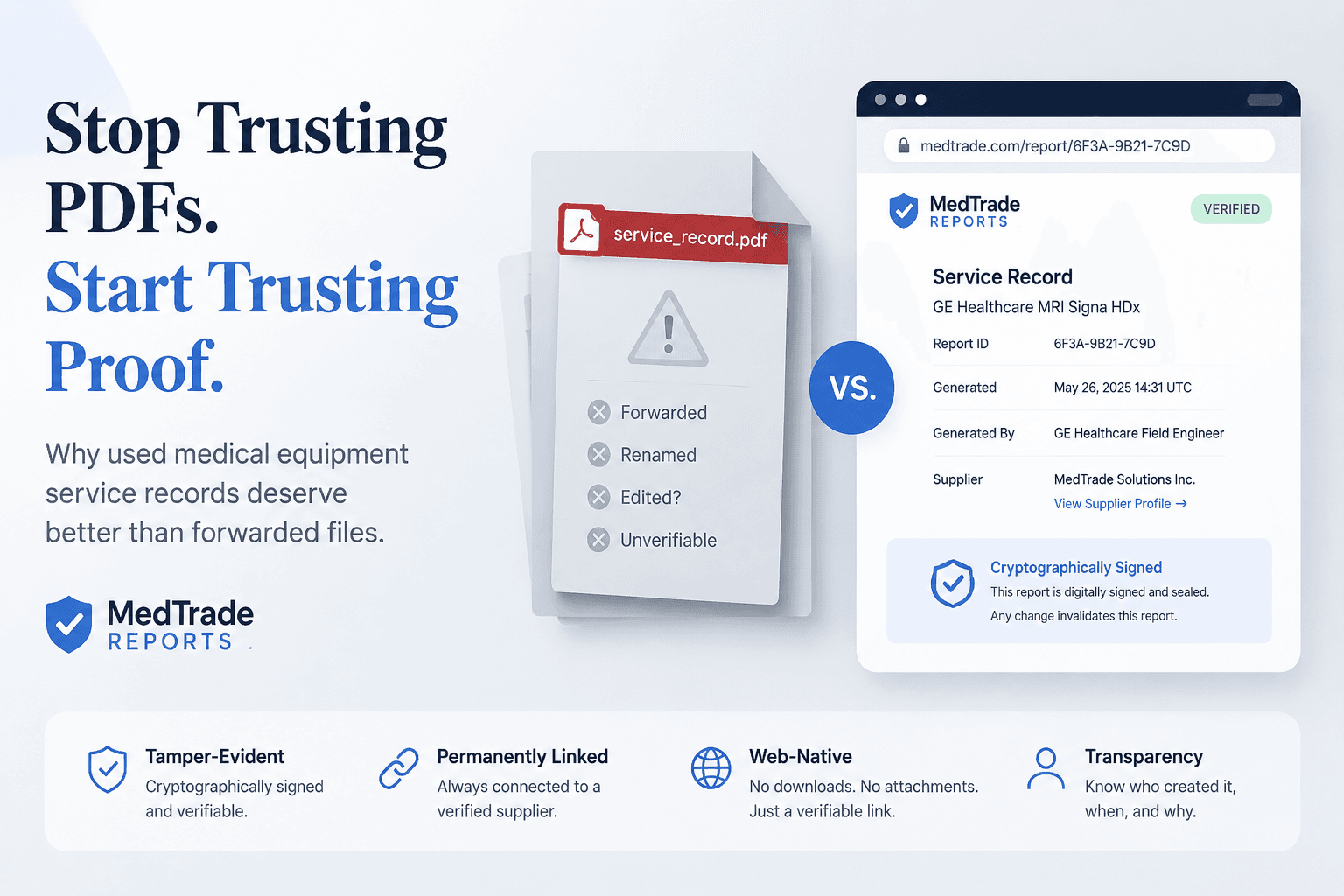
Here's an uncomfortable truth about buying used medical equipment: by the time a service record lands in your inbox, it's usually been forwarded three or four times. A PDF leaves the OEM engineer's outbox, gets passed from Dealer A to Dealer B, gets its filename changed, gets forwarded to procurement, then to the boss — and at any point along that chain, someone could have altered it. You have no way to know.
This isn't a security problem. It's an information-structure problem. The PDF format wasn't built to carry answers to questions like "who created this?" or "when was this generated?" or "has anything been changed since?" A PDF is a digital piece of paper. Paper doesn't tell you where it's been.
That's what MedTrade Reports addresses — not by putting a fancier stamp on a PDF, but by using an entirely different container for the same information. Every report is a public web page with a cryptographically signed URL, permanently linked to a verified supplier profile. It's not a file you download and hope nobody tampered with.
Three structural flaws in traditional service records — it's not that people are dishonest, it's that the format is
Our team spent months auditing how refurbished-equipment suppliers document their repair work. The pattern was always the same: the supplier genuinely did the work. The measurements were real. The photos were real. But the buyer didn't trust any of it — "How do I know you didn't just type this up five minutes ago?"
The buyer isn't wrong. The supplier isn't lying. The PDF is the problem:
MedTrade Reports solves this by changing the container, not the file format. Instead of attaching a PDF to an email, the supplier publishes a page on medtrade.world. That page carries a server-side cryptographic signature. It's bound to the supplier's verified profile. It has a QR code anyone can scan. The link is the proof — not the file extension.
💡 The key shift: a PDF's credibility comes from looking authentic. A MedTrade Report's credibility comes from being verifiable — the supplier's identity is one click away, and the link itself proves it was minted by MedTrade's servers. You don't have to guess.
What's actually in a Report — and why it beats handwritten notes
Open any MedTrade Report's public page and you'll see a consistent layout — not the chaotic formatting you get with a stack of supplier PDFs:
⚠️ One thing to be clear about: Reports do not claim to make content immutable. A supplier can update a published report — and when they do, the page shows the latest edit time. But that's actually useful: you can always see when this report was last modified. If the publish date and the last-edit date don't match, you know something changed. In the PDF world, you'd never know.
Reports Plaza — a public directory you can search without logging in
The value of Reports isn't any single document. It's what happens when dozens or hundreds of reports, all in the same structured format, become a searchable information network.
Reports Plaza is an openly accessible area on MedTrade — no login required:
- Keyword search — type in a device model (e.g. "Magnetom Avanto") or a fault type (e.g. "chiller") and search across all published reports
- Brand filters — narrow by Siemens, GE, Philips, Dräger, Samsung, OEC, and others with one click
- Paginated browsing — 12 cards per page. Every report's public page is indexed by search engines — each one becomes an organic discovery path back to the supplier who published it
Every Report Card carries three signals:
- Test date — when the service was performed
- Customer country — which market the device was operating in
- Verified Supplier badge — a green shield means the supplier passed MedTrade's credential review
No badge? The link still opens. But now you know what you're looking at.
For suppliers: every device you've serviced can become a public trust signal
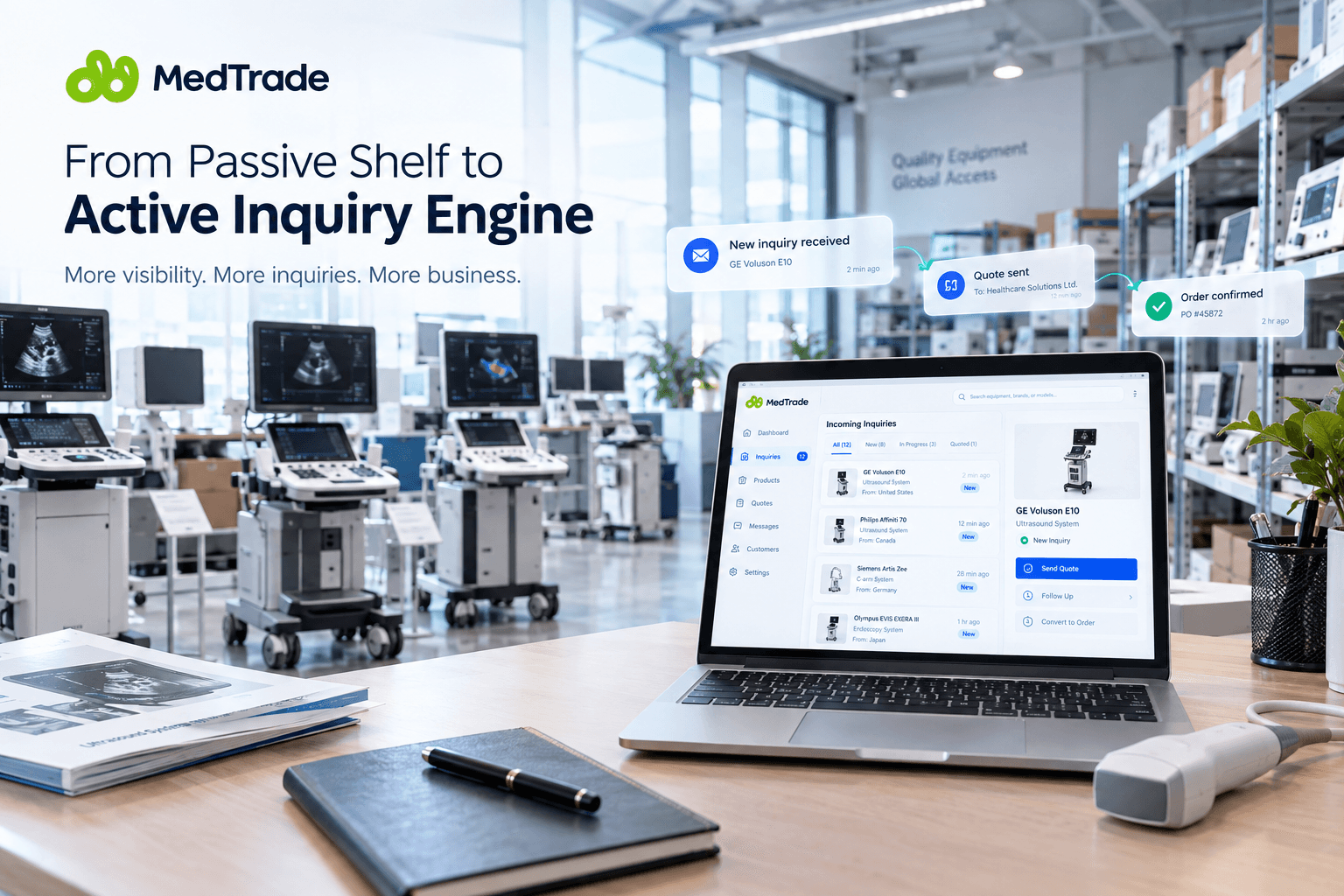
If you're selling on MedTrade, Reports isn't another admin tool. It's a way to turn every repair job you've ever done into a permanent URL — an entry point for a future buyer to discover you and evaluate your work.
💡 Here's the math: when a buyer is choosing between a supplier with 12 public Reports and another with 3 device photos and the word "Good condition," twelve beats zero. Not because Reports prove everything — but because they give the buyer something verifiable to look at. A PDF can't do that.
Suppliers start from the Create Report page, fill in three sections (device info, fault and repair description, photos), and publish. Drafts are always free. Publishing a report costs nothing extra.
Where Reports fits in MedTrade's trust architecture
A lot of platforms build trust with labels — Verified, Trusted, Premium — and hope buyers see a badge and reach for their wallet. Reports takes a different path. It doesn't tell you "this supplier is trustworthy." It gives you the raw facts you need to decide for yourself.
Three layers, working together:
- Product pages → tell the buyer: what this device is, what it costs, who's selling it
- Supplier profiles → tell the buyer: who this company is, what credentials they hold, what else they sell, what services they offer
- Reports → tell the buyer: what this supplier has repaired, what the fault was, what the post-repair measurements looked like, when the work was done, and the link itself carries a server signature
Put them together, and the procurement decision shifts from "do I believe what the seller is telling me?" to "can I see the facts for myself?" That shift is worth more than any trust badge.
What you can do right now
If you're sourcing equipment: open medtrade.world/reports and search for the model you're evaluating. Has any supplier published a repair report for it? If yes — open it, then check out the supplier's profile. If no — now you know this model has no public repair history on MedTrade yet. Either way, you're making your decision with more information than you had five minutes ago.
If you're already a MedTrade supplier: stop letting your service history sit in a folder of PDFs nobody will ever find. Go create a report for the work you've already done. Every published Report is another entry point for a buyer to find you, another card in the Plaza with your name on it.
Not registered yet: suppliers can sign up on MedTrade. Buyers — the Plaza is open. Browse and search reports for free, no account needed.